Using Social Media Safely
This chapter provides guidance on maintaining safety while enjoying the benefits of social media, emphasizing the importance of prudent posting and conscious curation of one's online image.
The Power and Perils of Social Media Sharing
Every post, photo, or status update contributes to our online identity. While these platforms allow us to share our experiences and thoughts, it's crucial to recognize the lasting impact of what we put out and the implications it might have for our safety and privacy.
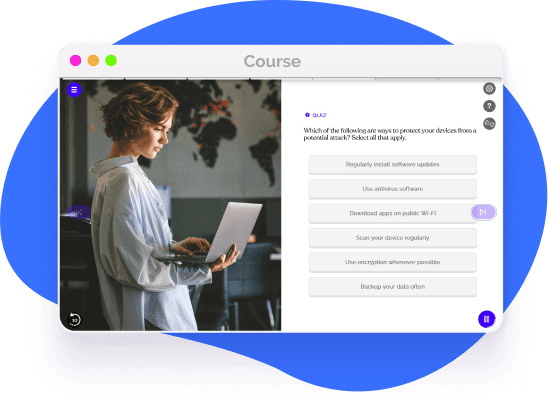
Cultivating a responsible and secure presence on social media is not just about what you share, but also about understanding platform settings and being aware of potential vulnerabilities.
Periodically review old posts and interactions. Deleting outdated content or unnecessary details can help reduce exposure and maintain a cleaner digital profile.
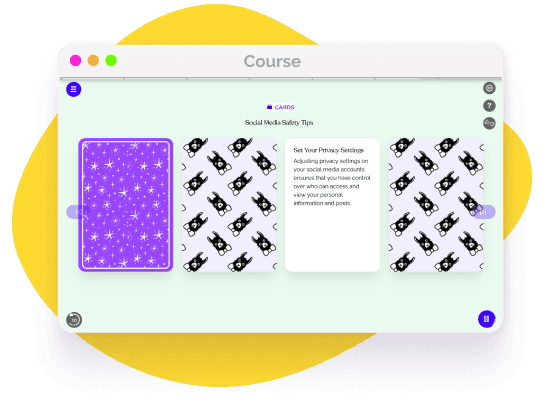
Familiarize yourself with platform-specific settings, and ensure your profile visibility is restricted based on your comfort and the audience you wish to reach.
Think before you post. Consider potential ramifications and avoid sharing overly personal or sensitive information that might be misused.

Longevity of Online Posts
The digital realm seldom forgets. A simple share or post can reverberate and remain accessible for years, even after deletion. Being discerning about what to post and understanding the enduring nature of digital content is crucial to maintain a favorable and secure online image.
Proactive Steps for Social Media Safety
Ensuring a safe experience on social media isn't just reactive; it requires proactive measures to guard against potential threats.
Here are some myths to look out for:
- -
Regularly update app and platform passwords.
- -
Avoid accessing social media on public Wi-Fi without VPN protection.
- -
Be skeptical of unsolicited friend requests or messages.
- -
Enable two-factor authentication when available.
- -
Educate yourself on the latest security updates and best practices.

Navigate Social Media with Confidence with EasyLlama
Equip yourself with the knowledge and tools to interact on social platforms securely, while expressing your authentic self. Our interactive modules, coupled with real-world scenarios, provide insights into best practices, ensuring you make the most of social media, safely and responsibly.
Helping over 8,000 organizations create a safer, more productive workplace
















The goal of this training is to equip employees with the knowledge and skills needed for confident digital safety and navigation, protecting their personal and professional data online. This course covers:

 Get more from EasyLlama