8 Best Mobile-Friendly Learning Management Systems (LMS) Compared [2026]



Discover the best mobile LMS platforms for compliance training. Compare mobile-friendly features, pricing, and tools built for on-the-go teams.
![8 Best <span>Mobile-Friendly</span> Learning Management Systems (LMS) Compared [2026]](/_next/image?url=https%3A%2F%2Fd230yvp9l0f4m2.cloudfront.net%2FGroup_81042796_1a3767beae.png&w=1200&q=75)
- Top 8 mobile LMS platforms compared
- 1. EasyLlama: Best all-in-one
- 2. Traliant Mobile LMS: Best for industry-specific compliance content
- 3. Absorb LMS: Best for high-performance teams that train on the move
- 4. Navex: Best for enterprise risk and compliance programs
- 5. Docebo: Best for scalable corporate training beyond compliance
- 6. 360Learning: Best for collaborative learning in fast-paced teams
- 7. Thinkific: Best for branded mobile learning experiences for employees, customers, and partners
- 8. iSpring: Best for
- How to evaluate and choose the right mobile LMS for your organization
Test Your Compliance
Find out if your company is compliant in two minutes with our free Compliance Grader.
Get Your Free ReportIf you want the best mobile LMS, you have to cater to how people like to learn today.
Employees expect short, engaging content they can access anytime, on any device, without friction. That’s why mobile access, microlearning, and AI-powered personalization are quickly becoming essentials.
The right LMS uses AI to deliver tailored learning paths, automate admin work, and keep training relevant as your business grows.
It also supports real-life workflows, making it easier for learners to stay on track whether they’re at a desk, on a job site, or in the field.
In this guide, we’ll walk through the top mobile LMS platforms for 2026 so you can find one that drives engagement, boosts completion rates, and scales with your team.
Top 8 mobile LMS platforms compared
Below, we explore the best mobile learning management systems. For each option, we include key strengths, limitations, and pricing.
1. EasyLlama: Best all-in-one
G2.com rating: 4.8/5
Platform overview
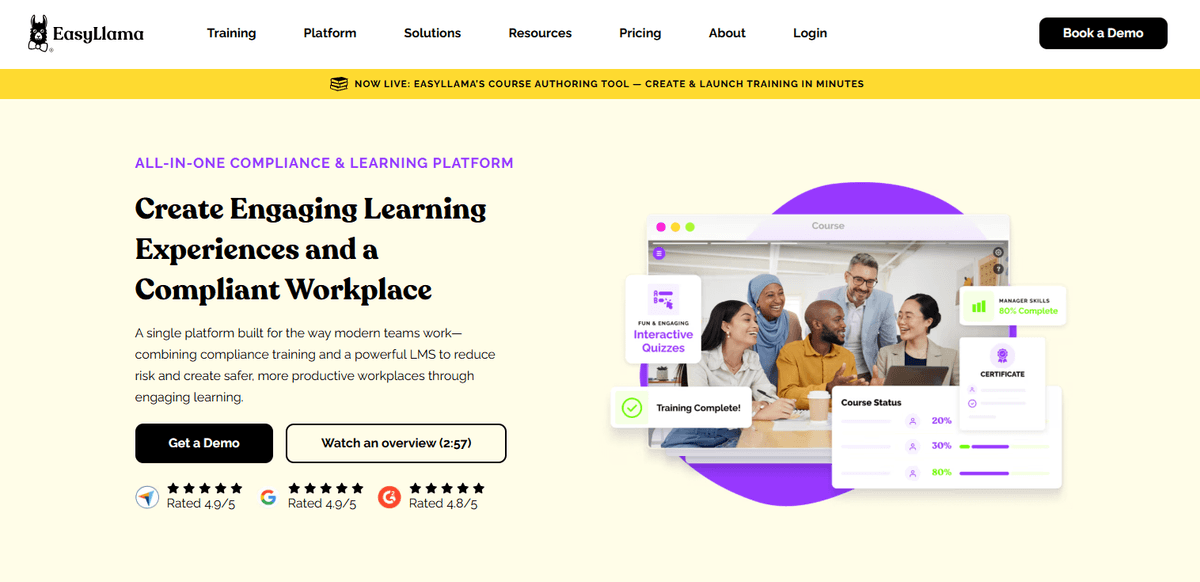
EasyLlama is a mobile-first compliance training platform built for today’s modern, distributed workforce. Designed with flexibility in mind, it empowers employees to complete training on any device.
The platform pairs engaging microlearning with powerful compliance tools, helping HR teams streamline tracking, reduce legal risk, and deliver more human-centered training experiences. From DEI and harassment prevention to workplace safety, EasyLlama makes compliance both accessible and impactful.
Key strengths
- 100% mobile-friendly experience with no downloads, logins, or friction for learners
- Seamless stop-and-resume training functionality across phones, tablets, and desktops
- Engaging microlearning modules (“Llama Bites”) designed for attention and retention
- Drag-and-drop course authoring tool for building custom mobile-friendly training
- Automated assignments, reminders, and tracking to reduce admin lift
- Pre-built compliance training for DEI, harassment prevention, safety, and more
- Real-time analytics dashboard for audit readiness and team progress insights
- Support for 100+ languages and WCAG 2.2 Level AA accessibility compliance
Potential limitations
- Focuses primarily on compliance and soft skills—not built for technical certifications
- Lacks built-in social learning or peer collaboration tools that some teams may need
Pricing
EasyLlama offers flexible pricing for every team size. Choose from compliance and workplace training only, LMS-only access, or our all-in-one compliance and learning platform. Plans range from $19.95 to $49.95 per seat annually, with volume discounts available.
2. Traliant Mobile LMS: Best for industry-specific compliance content
G2.com rating: 4.5/5
Platform overview
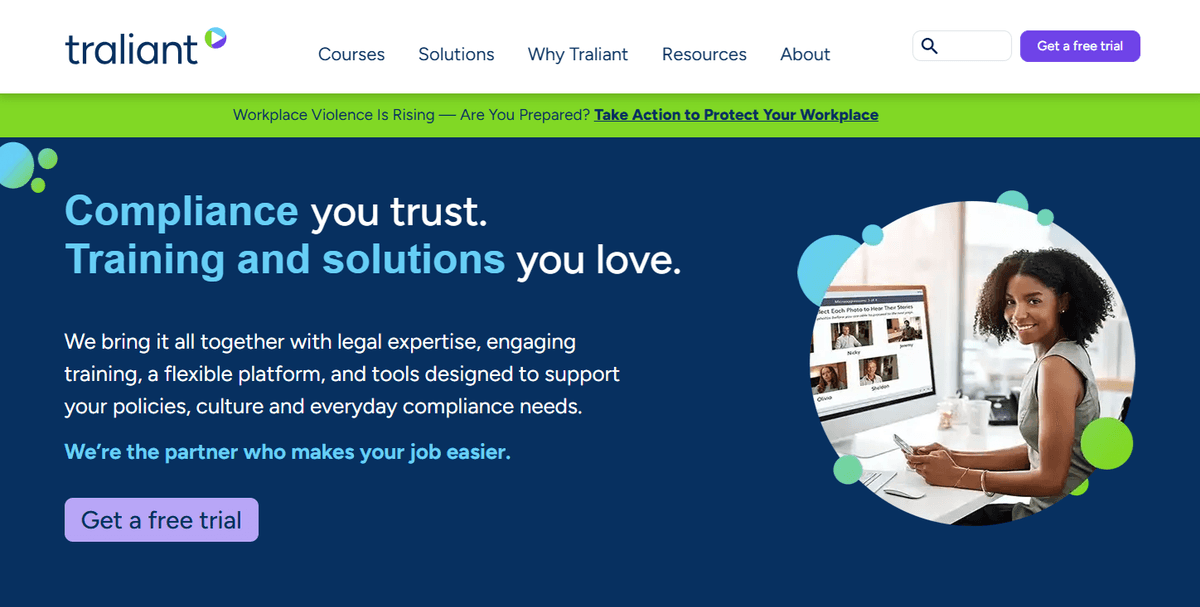
Traliant offers a mobile-responsive LMS designed to support compliance training across a variety of industries. Its platform adapts to smartphones and tablets, giving employees access to interactive courses whether they’re in an office or on the move.
The company emphasizes legally accurate, scenario-based content created by its in-house legal team. With an expanding course catalog and mobile-ready delivery, Traliant is positioned for organizations needing industry-specific compliance at scale.
Key strengths
- Mobile-responsive course design that adjusts well across phones, tablets, and desktops
- Compliance training library tailored to specific industries like healthcare, retail, and hospitality
- In-house legal team that writes and updates training content in real time
- Built-in LMS with dashboards for tracking completion and monitoring compliance status
- Optional services like policy management and handbook creation for broader compliance
Potential limitations
- More traditional course layouts that may not optimize for mobile-first engagement
- Limited microlearning functionality compared to platforms designed for short-form training
- Fewer customization options available without premium packages or additional fees
Pricing
Traliant offers flexible, tailored pricing rather than fixed tiers. Small businesses can buy market-ready courses online for 1–24 employees, while mid-size and enterprise organizations can request user license agreements for larger rollouts. A free trial is available, and personalized quotes ensure each plan fits your needs.
3. Absorb LMS: Best for high-performance teams that train on the move
G2.com rating: 4.6/7
Platform overview
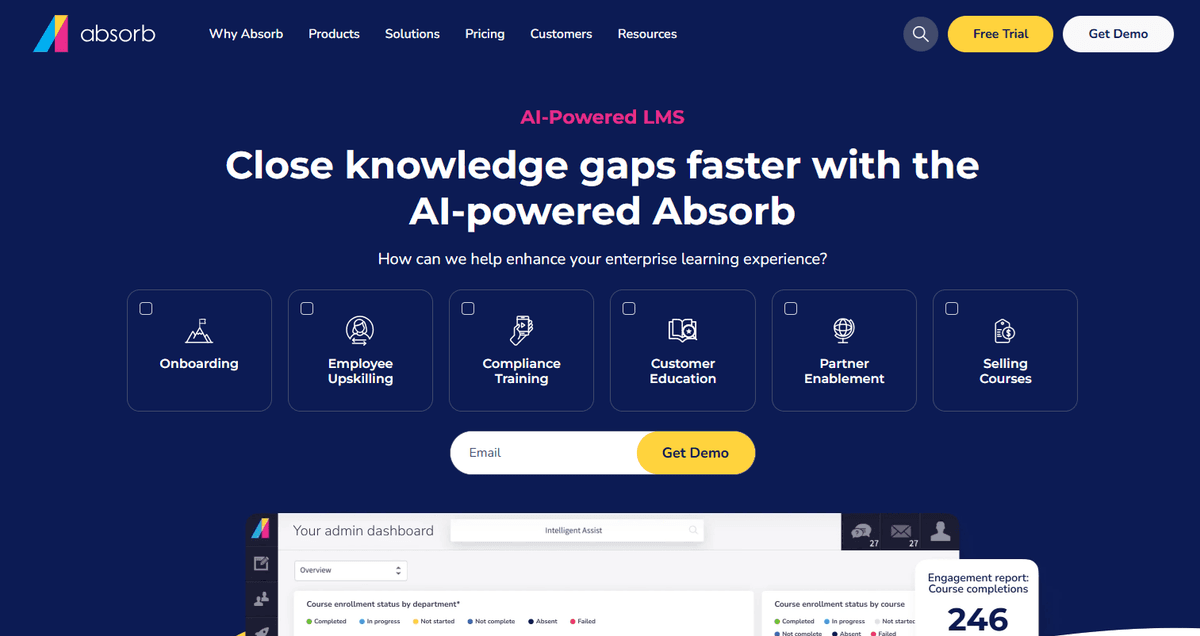
Absorb LMS is an AI-powered learning platform built for speed and scalability. Known for its advanced mobile app, it helps high-performing teams learn anywhere without losing momentum. The Absorb Learning mobile app supports SCORM, xAPI, videos, PDFs, and assessments, so learners can stay productive even when disconnected from the internet. It's a strong choice for companies training field teams, sales reps, or frontline employees who need uninterrupted learning access.
Key strengths
- Mobile app with full offline training access and automatic progress sync
- Support for multiple content types including SCORM, MP4, PDFs, and assessments
- High system stability and uptime for enterprise-grade performance
- Clean, intuitive interface optimized for desktop and mobile learning
- Advanced reporting tools and analytics to monitor team progress
- AI-powered features for personalized learning recommendations and admin support
- Integrations with HRIS, CRM, and productivity platforms
- Strong focus on learner experience, including scrolling-based UX for mobile screens
Potential limitations
The mobile app is learner-only, and admins must use desktop to create or manage content
Customization and branding options may require additional service packages
May be more feature-rich than necessary for small teams focused only on compliance
Pricing
Absorb LMS uses a flexible, tailored pricing model based on your organization’s size, learner types, and feature needs. Exact pricing isn’t publicly listed, but all plans include onboarding, technical support, and access to a dedicated account manager. Interested teams can request a quote or start with a free trial to explore platform capabilities.
4. Navex: Best for enterprise risk and compliance programs
G2.com rating: 3.8/5
Platform overview
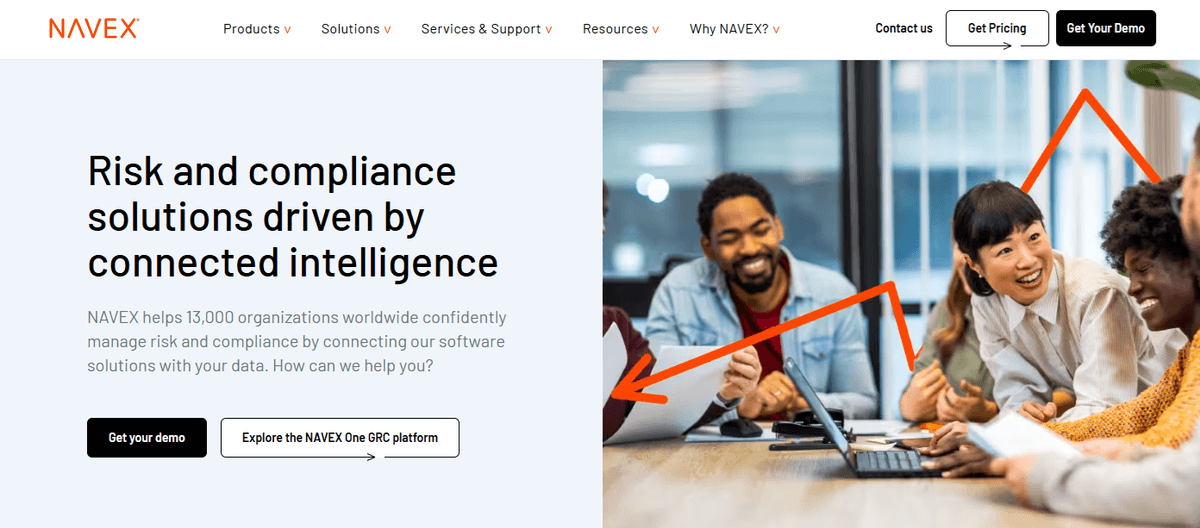
Navex offers a robust, enterprise-grade platform designed to support complex governance, risk, and compliance (GRC) programs at scale. With its mobile app and extensive training library, it enables large organizations to manage ethics, policy, and regulatory training across dispersed teams.
The platform extends beyond learning, combining incident management, policy tracking, whistleblower tools, and advanced analytics under one unified system. It’s built for organizations needing centralized oversight and cross-functional risk visibility.
Key strengths
- Mobile access to a wide range of compliance and ethics training courses across industries
- Enterprise-grade analytics tools to monitor training performance and identify risk trends
- Integrated GRC platform connecting training with whistleblower, policy, and risk management
- Global-ready content library designed to meet international regulatory standards
- Trusted by large enterprises with complex organizational structures and compliance demands
Potential limitations
- User interface and learner experience may feel outdated compared to mobile-first platforms
- Implementation can be time-consuming and may require dedicated onboarding support
- Mobile access typically requires downloading a separate app rather than in-browser access
Pricing
Navex provides customized pricing based on each organization’s size, needs, and compliance scope. There are no fixed tiers. Teams must request a personalized quote through the site. This approach supports tailored solutions for complex enterprise GRC programs across industries and regions.
5. Docebo: Best for scalable corporate training beyond compliance
G2.com rating: 4.2/5
Platform overview
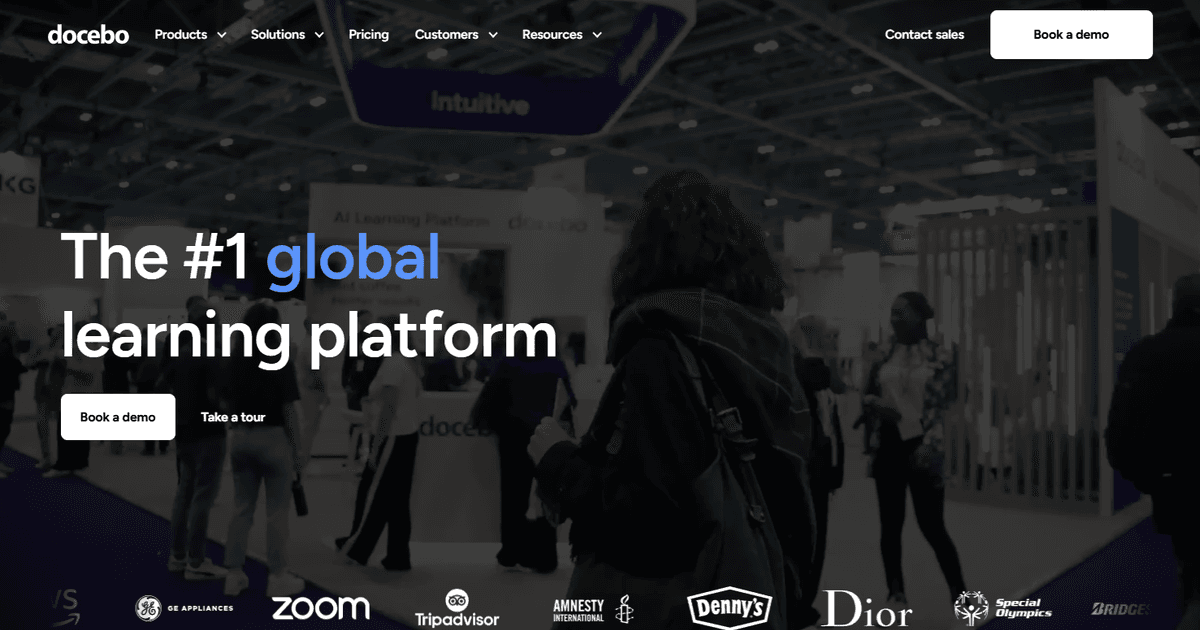
Docebo is an enterprise learning platform built to support a wide range of training needs, from onboarding and talent development to customer and partner education. Its mobile app and AI-powered tools make it a strong option for companies seeking scalable, modern learning at global scale.
Unlike platforms focused solely on compliance, Docebo supports diverse audiences and use cases with advanced content authoring, integrations, and learning intelligence features, making it ideal for teams building long-term L&D programs.
Key strengths
- Feature-rich mobile app that supports structured learning, content discovery, and offline access
- AI-powered learning recommendations and automation for personalizing learner experiences
- Robust content authoring and marketplace tools for internal and third-party content
- Seamless integrations with HR, CRM, and productivity tools like Salesforce and Microsoft Teams
- Scalable design that supports internal, external, and extended enterprise learning scenarios
Potential limitations
- Can be overly complex for teams focused primarily on compliance or regulatory training
- May include features that go unused in smaller or narrowly scoped learning programs
- Higher pricing and implementation effort may be less ideal for small organizations
Pricing
Docebo offers two tiers: Elevate, starting at $9 per user/month for 250+ users, and Enterprise with custom pricing for larger-scale needs. Both plans require contacting sales and include AI-powered features, integrations, and multilingual support for scalable, personalized learning across teams and audiences.
6. 360Learning: Best for collaborative learning in fast-paced teams
G2.com rating: 4.6/5
Platform overview
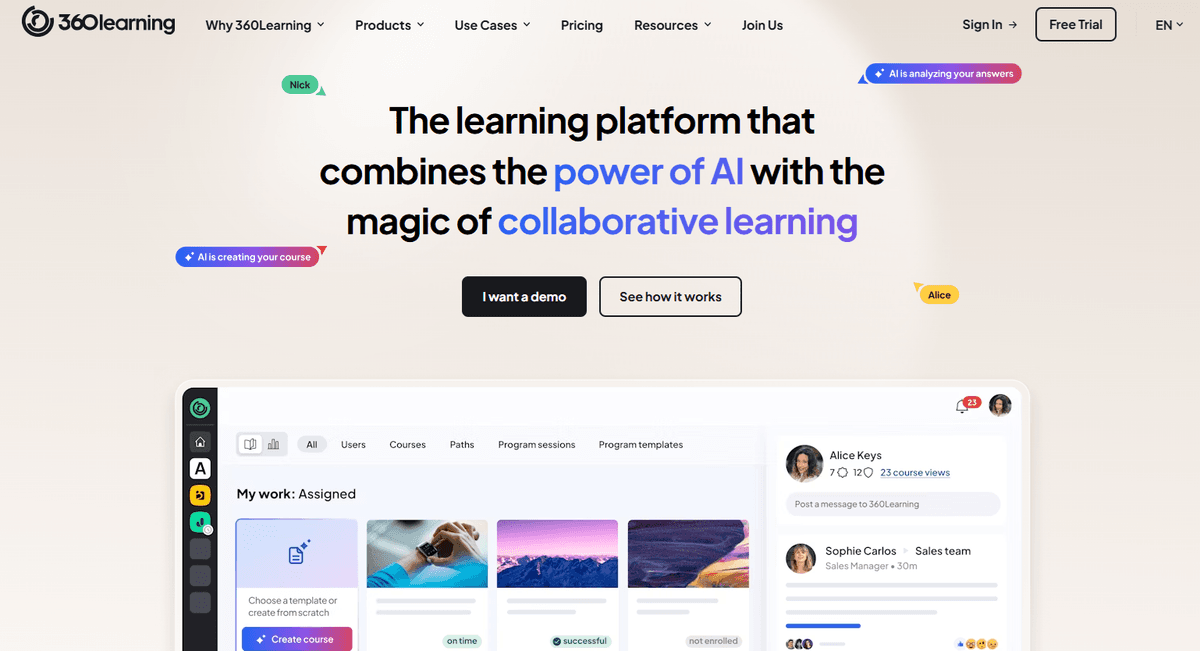
360Learning is built around a collaborative learning model that empowers subject matter experts to create, share, and iterate on content quickly. It’s especially well-suited to fast-moving teams that value peer-driven knowledge sharing and feedback loops.
With a mobile-first experience and built-in authoring tools, the platform supports learning at scale, whether for onboarding, enablement, or continuous development. AI capabilities help streamline course creation and personalize content delivery.
Key strengths
- Mobile app includes peer feedback, reactions, and social learning features
- Built-in course authoring supports templates, AI assistance, and co-editing
- Analytics dashboard provides insight into learner engagement and content performance
- Strong fit for teams that need to launch and update training quickly
- Integrates with major HR and communication platforms for smoother workflows
Potential limitations
- May be less suited to organizations needing formal compliance learning paths
- Collaborative model can require cultural shifts or internal advocacy to adopt
- Feature set may prioritize co-creation over structured certifications or regulation-heavy training
Pricing
360Learning’s Team plan costs $8 per user/month for up to 100 users with no setup fees and access to core features. Larger organizations can opt for the Business plan, which offers scalable learning, advanced integrations, and dedicated support through custom pricing on request.
7. Thinkific: Best for branded mobile learning experiences for employees, customers, and partners
G2.com rating: 4.5/5
Platform overview
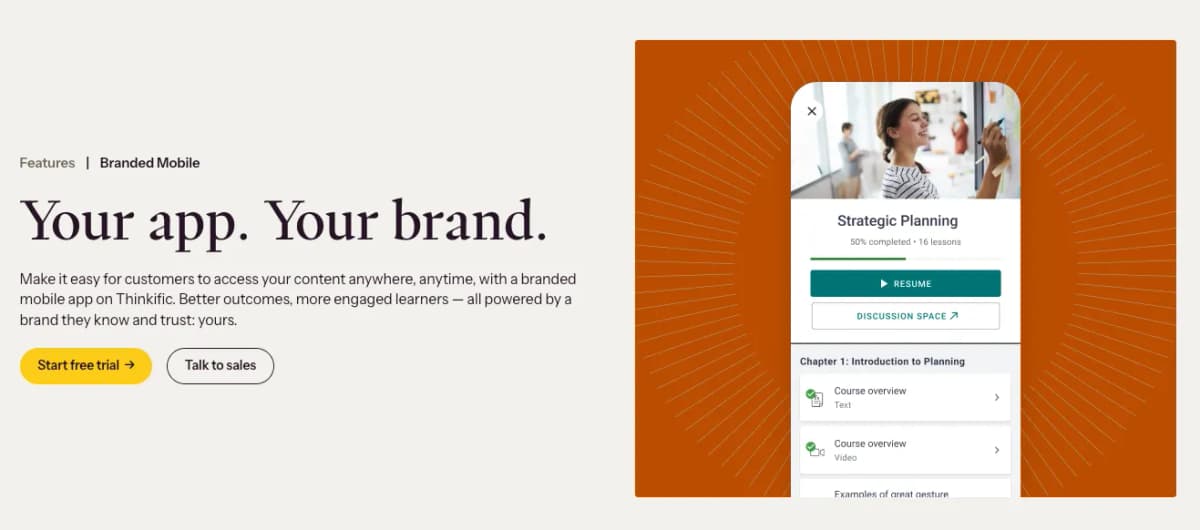
As a learning commerce platform, Thinkific is designed to help businesses scale revenue by delivering engaging educational experiences under their own brand. Its standout feature is a white-labeled learning app that allows companies to offer courses, communities, and coaching in a fully customized, mobile-native environment.
With solutions for internal training, customer education, creator-led training, and partner enablement, Thinkific is a platform you can grow with over time.
Key strengths
- Branded mobile app that offers push notifications, offline access, and in-app purchases
- SCORM-compliant for interactive and gamified learning experiences
- Communities and learning paths built for deeper engagement and long-term retention
- Built-in eCommerce tools like subscriptions, invoicing, gifting, and upsells
- Scalable infrastructure with support for unlimited students, products, and bandwidth
- Custom reporting dashboards and integrations with CRMs like Salesforce and HubSpot
- Dedicated onboarding and customer success for Plus-tier clients
Potential limitations
- Branded mobile app is a premium feature, not included in base plans
- Admins cannot manage courses via the mobile app (learner-focused only)
- Complex sales and automation features may be unnecessary for small teams
Pricing
Thinkific offers tiered pricing starting at $36/month for the Basic plan and up to $146/month for the Grow plan (billed annually). Enterprise users can upgrade to Thinkific Plus for unlimited users, white-labeling, SCORM support, and advanced analytics. All plans include unlimited courses, and a free trial is available to explore platform capabilities before committing.
8. iSpring: Best for
G2.com rating: 4.6/5
Platform overview
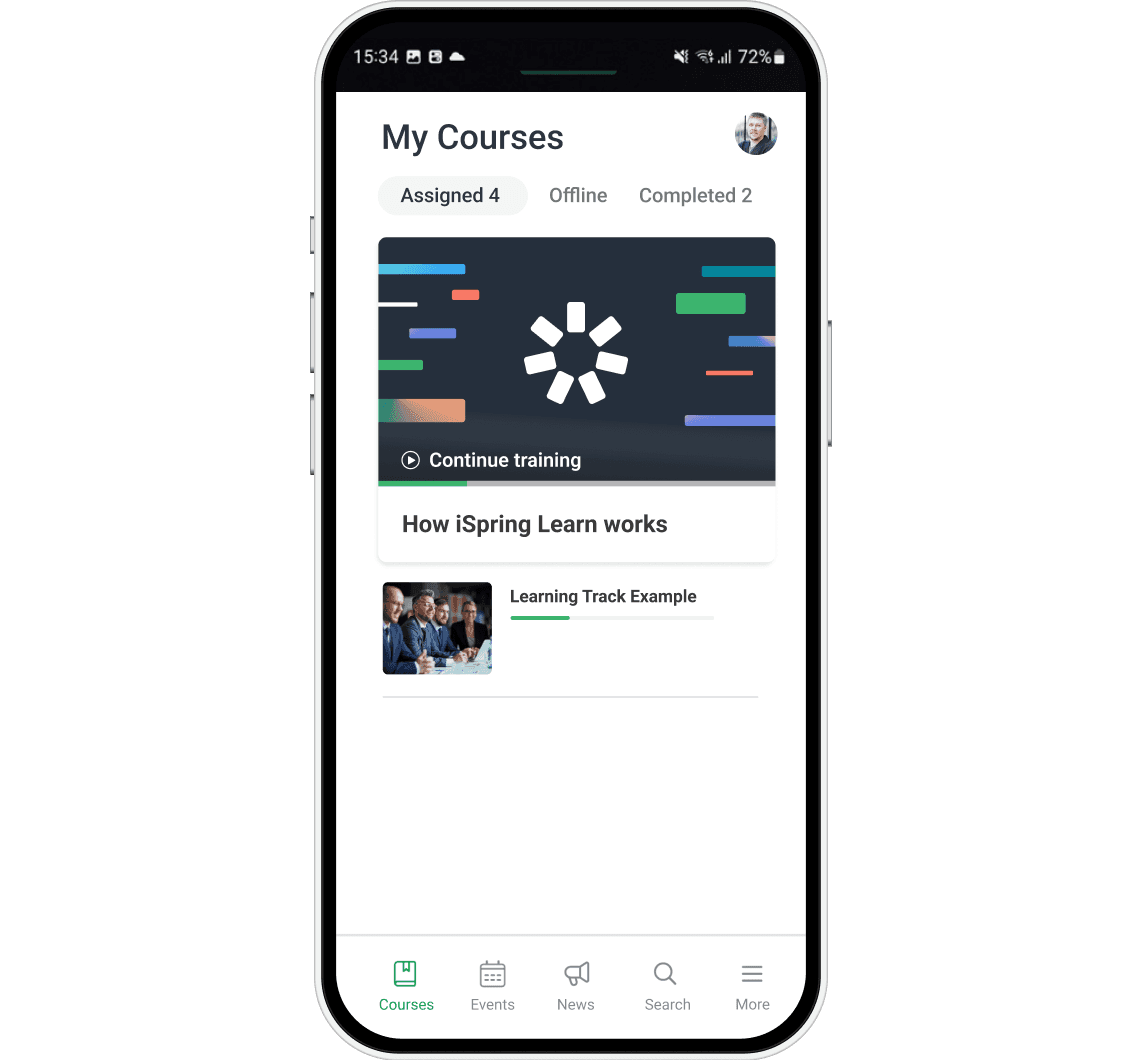
iSpring Suite is an intuitive authoring tool built directly into PowerPoint, making it ideal for teams that want to convert presentations into mobile-friendly training quickly. Designed for non-technical users, iSpring includes tools for quizzes, video lessons, screen recordings, interactive role-plays, and AI-assisted content generation. Courses are fully responsive and SCORM-compliant, and learners can access them seamlessly across devices—even without an internet connection. It's especially popular for organizations seeking to develop rich, mobile learning content without switching platforms or learning new software.
Key strengths
- Built directly into PowerPoint for rapid course creation
- AI Assistant and Character Builder to enhance interactivity and speed
- Responsive mobile design with offline playback support
- 116,000+ character photos and 2,500+ backgrounds for realistic training scenarios
- Role-play simulations, branching quizzes, and interactive timelines
- Accessibility support (WCAG 2.1 AA and Section 508)
- Publishes to SCORM, xAPI, AICC, and cmi5 formats for LMS compatibility
- Strong localization tools and multilingual voiceover capabilities
Potential limitations
- Not a full LMS—requires separate LMS for deployment and learner tracking
- Collaboration and cloud-based features are tied to iSpring Cloud AI, a separate product
- No mobile app for administrative tasks or course management
Pricing
iSpring Suite starts at $970 per course author per year, with iSpring Suite AI available at $1,290/year. These include access to the full authoring toolkit, AI content tools, text-to-speech, and content libraries. Teams can also opt for iSpring Cloud AI for real-time collaboration and scrollable microcourse creation. Discounts are available for nonprofits, educators, and high-volume licensing needs.
How to evaluate and choose the right mobile LMS for your organization
Before choosing a mobile LMS, it’s essential to assess your organization’s unique training goals, compliance obligations, and learner needs. A strong fit ensures better adoption, smoother rollout, and lasting value for both learners and admins. Start with a clear picture of your must-haves.
Define your training and compliance requirements
Every organization has different mobile training needs, and your LMS should reflect that. Start by evaluating your compliance priorities, workforce distribution, and device accessibility. Are you training remote teams, hourly workers, or multilingual learners? Do you need content delivered offline or in multiple formats? Creating a checklist before comparing platforms like EasyLlama will help you stay focused on what matters most and avoid being distracted by flashy extras.
Here’s a simple checklist to guide your evaluation:
- Compliance requirements by location or role
- Devices and environments where learners will access training
- Accessibility and language needs
- Integration with your existing HR or payroll tools
- Admin features for automation and reporting
Evaluate the mobile user experience firsthand
Before choosing a mobile LMS, it’s essential to test how the platform actually performs on the devices your team uses daily. Don’t just preview it on a desktop. Try the full learner journey on a phone or tablet, from login to course completion.
Look for smooth navigation, offline access, and mobile-native features that go beyond just shrinking the screen.
Request a hands-on EasyLlama demo to experience the difference between a platform truly built for mobile and one that’s simply responsive in design.
Prioritize learning flexibility and engagement
Today’s workforce learns in short bursts, across multiple devices, and often on the go. That’s why a mobile LMS needs to support flexible, user-driven learning that fits into real-life workflows. Look for features like offline access, so training doesn’t stop when internet drops. Microlearning modules help boost retention and course completion. And stop-and-resume functionality ensures learners can pick up right where they left off. During demos, test how well the platform maintains engagement on mobile, because a clunky experience won’t keep learners coming back.
Evaluate administrative control and compliance tracking
A strong LMS should make it easy to track completions, monitor progress, and prove compliance without extra manual work. EasyLlama’s real-time dashboard gives you instant insight into who’s completed what and where gaps exist. Automated documentation and audit-ready reporting reduce risk and keep your records inspection-ready. Whether you’re preparing for a routine review or responding to an urgent request, you’ll always have the data you need at your fingertips.
Review integration and implementation capabilities
Your LMS should work with the tools your teams already rely on. Before committing, confirm the platform integrates easily with your existing tech stack, like your HRIS, payroll software, and communication tools. Look for options with plug-and-play setup and minimal IT requirements. EasyLlama simplifies rollout with pre-built integrations and a low-lift implementation process designed for HR and L&D teams.
Key integrations to evaluate:
- HRIS platforms (e.g., Workday, BambooHR)
- Payroll systems
- Slack, Microsoft Teams, and other comms tools
- SSO and API access for custom workflows
Consider content customization and language support
Modern teams need training that speaks to their unique roles, regions, and languages. Look for an LMS that makes content easy to create, edit, and localize. Built-in authoring tools help you move fast, while multi-language support ensures accessibility across a global workforce. Platforms like EasyLlama let you customize courses on the fly, so you can stay agile and relevant.
Prioritize features like:
- Built-in, AI-powered course authoring
- Multi-language support
- Role- or location-specific content customization
- Editing abilities for every pre-built course
- Course templates and themes
Compare long-term value and scalability
When evaluating LMS platforms, it’s important to look beyond sticker price and consider long-term value. A scalable solution should save your team time, improve learner completion rates, and support business growth without increasing administrative burden. EasyLlama offers a user-friendly experience that delivers immediate compliance wins while also supporting future training goals. With flexible licensing, automation, and fast onboarding, it’s built to scale as your organization grows—making it a smart investment now and years down the line.
Book a demo of EasyLlama to explore our mobile-first LMS and customization options.
Share this


Frequently
Asked
Questions

- A mobile LMS is a training platform designed to work seamlessly on smartphones and tablets. It’s especially important for compliance training because it lets employees access and complete required courses from anywhere—even offline. This flexibility boosts completion rates and ensures training stays on track, no matter where your teams work.
- Yes, mobile LMS software lets employees complete compliance training on any device, whether it’s a phone, tablet, or desktop. This device flexibility is key for remote, deskless, or shift-based teams who need access anytime, anywhere. It also helps ensure higher course completion by making training more convenient and accessible.
- Look for a mobile-friendly LMS with real-time dashboards, automated reports, and exportable data for audits or leadership updates. These features help you track completions, identify gaps early, and stay on top of deadlines. The best platforms also break down analytics by department or role, so you can take targeted action where it matters most.
- Microlearning breaks training into short, focused lessons that are easier to complete on the go. On mobile devices, this format fits seamlessly into busy schedules. The result is higher engagement and faster completion, without overwhelming your team.
 Articles
Read More Blogs
Explore what others in your field are learning

LMS Competency: How To Support Skill-Based Digital Learning
Learn what LMS competency means, how it supports skill-based learning, and how EasyLlama helps track and build workforce readiness.
Blaine Sanders
LMS for Microlearning: What Is It & How To Choose The Right One
Discover how a microlearning LMS boosts retention, simplifies compliance, and helps teams train faster with short, focused learning modules.
Blaine Sanders

LMS Implementation Strategy: 6-Step Guide for HR and L&D Teams
Learn how to implement your new LMS with ease. This 6-step LMS implementation guide helps HR & L&D teams plan, launch, and measure success.

Sarah Hamilton
Start Modernizing Workplace Compliance
It’s easy to get started with EasyLlama. Speak with one of our compliance experts and get a demo tailored to your business’s needs.